Last updated: November 19, 2026
Quick Answer: Gestational diabetes telehealth visits can cover log review, symptom checks, blood pressure checks, medication questions, and care planning when you already have a diagnosis and a care team to follow. The sections below explain what can be done from home, what needs a clinic visit, and what to prepare.
What a telehealth visit can cover, and who it fits
Gestational diabetes telehealth visits can handle the parts of follow-up that depend on shared information, not hands-on exams. That usually means a video visit, a phone call, or a portal message with your care team. This page assumes you already have a diagnosis and a way to send glucose logs. A telehealth visit is not a substitute for urgent care, fetal monitoring when it is needed, or a clinic check that requires a cuff, scale, urine sample, or physical exam.
Because remote follow-up works best when you can gather data at home and send it clearly, it helps to have glucose logs, meal notes, medication lists, and blood pressure readings if your team asks for them. The evidence base is still developing, and the literature is spread across reviews and primary studies rather than large, definitive trials. A recent PubMed search for 2016–2026 returned 3,559 records for the topic, and the 100 most relevant were read using the method described here: PubMed (NCBI), publication-date window 2016–2026, sorted by relevance, sample read of 100; computed on 2026-11-06. ClinicalTrials.gov listed 43 registered trials for the term, with 15 completed and 13 recruiting, based on the first 43 records read.
A telehealth visit is often a good fit if you have stable access to a home glucometer, a patient portal, and a camera or phone. It is a poor fit if you cannot check your sugar at home or if your symptoms are changing fast. The University of California, Davis Health has a useful patient-facing guide on blood glucose monitoring in pregnancy, and the American Diabetes Association publishes general diabetes care standards that help frame follow-up discussions. For broader pregnancy guidance, the American College of Obstetricians and Gynecologists also provides patient education on gestational diabetes.
What can be done in a video visit?
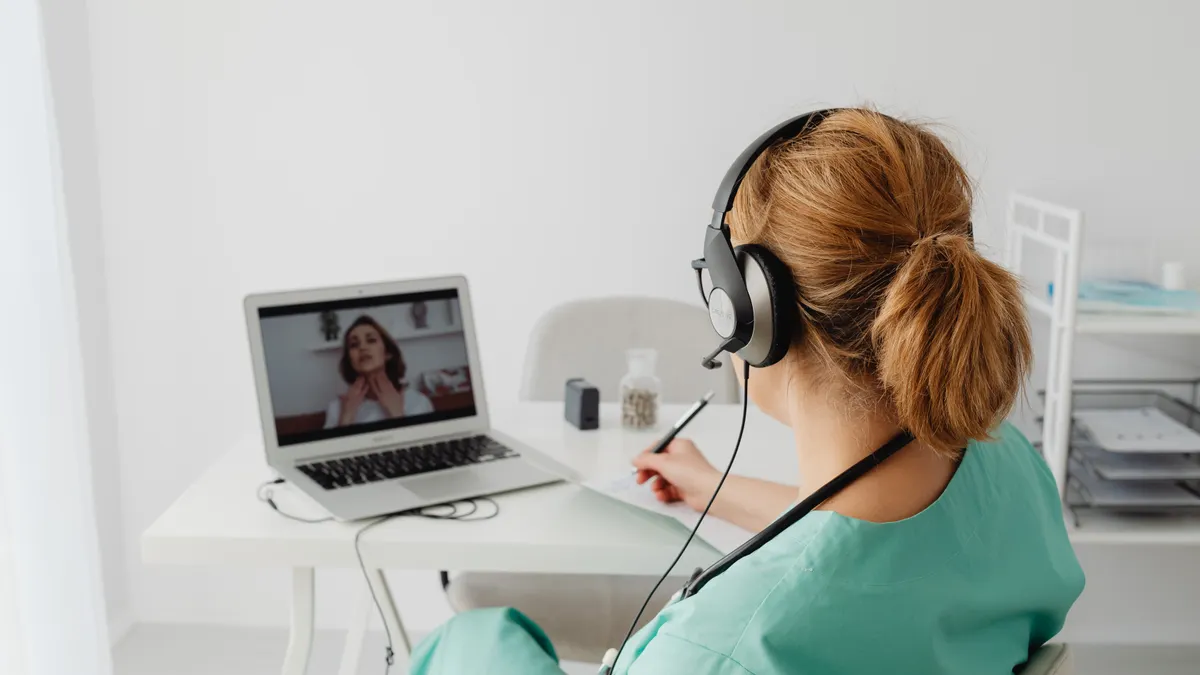
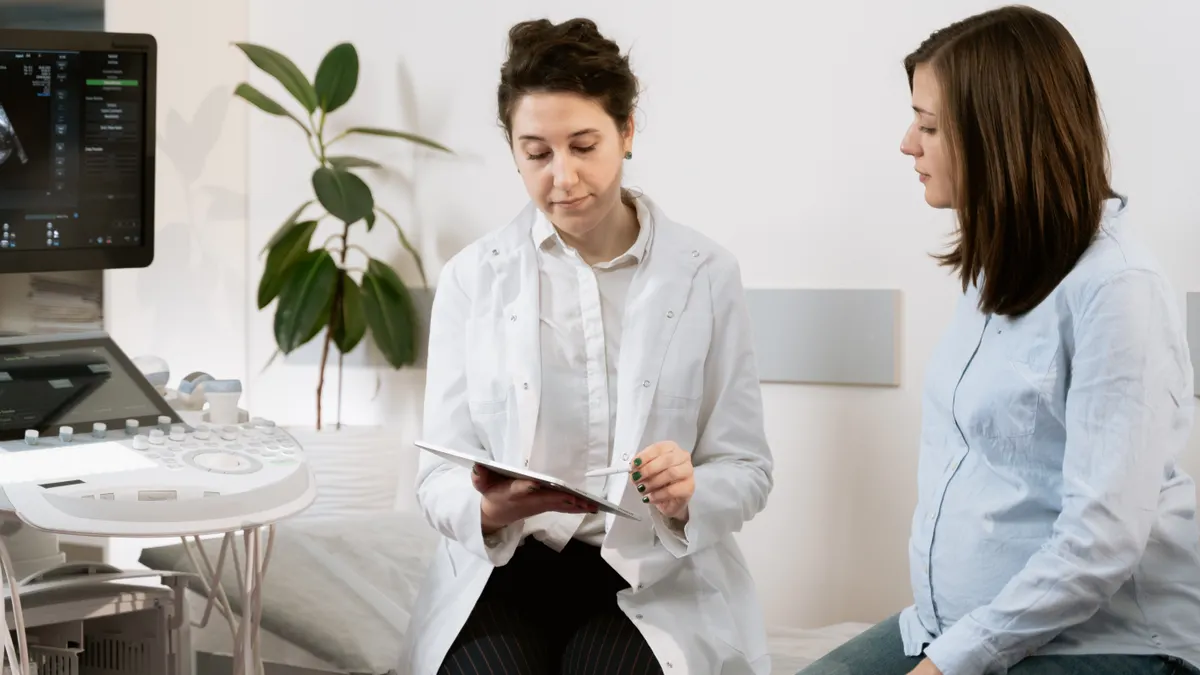
A video visit can cover review, coaching, and decision-making, but not every exam that belongs in prenatal care. Most routine gestational diabetes follow-up can be done by video when the team has your numbers and you are not having warning signs. The video format lets the clinician see whether you look well, talk through patterns, and ask about meals, exercise, sleep, and medicines.
Because those details are visible on screen, you can often review a full week of readings without leaving home. That is enough for many follow-up conversations. It is also enough to spot common problems, like missed checks, a confusing meal pattern, or a log that doesn’t match the meter memory.
The visit usually covers:
- review of fasting and post-meal glucose logs
- timing of checks, often written as before breakfast and after meals
- questions about nausea, vomiting, dizziness, thirst, or frequent urination
- review of any prescribed medicine or insulin plan
- weight trend if you have been asked to report it
- blood pressure if you have a home cuff
- next steps for another virtual visit or an in-person check
A video visit is only as good as the data on screen. If the camera is blurry, if you do not have the readings in front of you, or if the glucose meter date and time are wrong, the visit can stall. That does not mean telehealth failed; it means the visit needs better preparation. It also means some care must move back to an office setting.
How do I prepare for a telehealth follow-up?
You prepare by sending the right numbers ahead of time and having your tools ready before the call starts. A 10-minute setup can save most of the visit from being spent hunting for paper strips, passwords, or missing readings.
Because preparation makes the visit more useful, check your materials before the appointment starts. You may find that one missing log turns a clear plan into a rushed one.
Use this step-by-step setup:
- Gather your glucose logs: bring at least the readings your team asked for, with dates, times, and whether they were fasting or after a meal. Verify the numbers line up with the meter memory. A problem is a log with no time stamps.
- Check your device: make sure your meter, phone, or app is working and the battery is charged. Verify the date and time on the device. A problem is a meter that resets or stores readings under the wrong day.
- Prepare meal notes: write down what you ate before out-of-range readings, if you can. Verify whether the pattern repeats after certain foods. A problem is a log with numbers but no context.
- Have your medication list ready: include prescription names, over-the-counter drugs, vitamins, and insulin if you use it. Verify the dose and timing you were given, not the dose you think it should be. A problem is missing or conflicting medication information.
- Find your blood pressure cuff: if your team asked for home blood pressure, keep the cuff nearby and seated at heart level during the reading. Verify the cuff fits your arm and gives a readable result. A problem is a cuff that rides too high or gives an error code.
- Set up the visit space: choose a quiet spot with light on your face and your phone on charge. Verify the camera can show you clearly. A problem is a visit done from a moving car or a noisy store.
- Write your questions down: ask about when to send logs, what counts as an out-of-range trend, and whether the next check will be virtual or in person. Verify you understand the plan before the call ends. A problem is leaving with no next step.
The best part, for many people, is that most of this can be done the night before. If you use the patient portal, upload logs early so the team can scan them before the visit starts. If the portal won’t accept a file, a photo of a handwritten log is better than no log, as long as the dates are visible.
What should I send before the appointment?
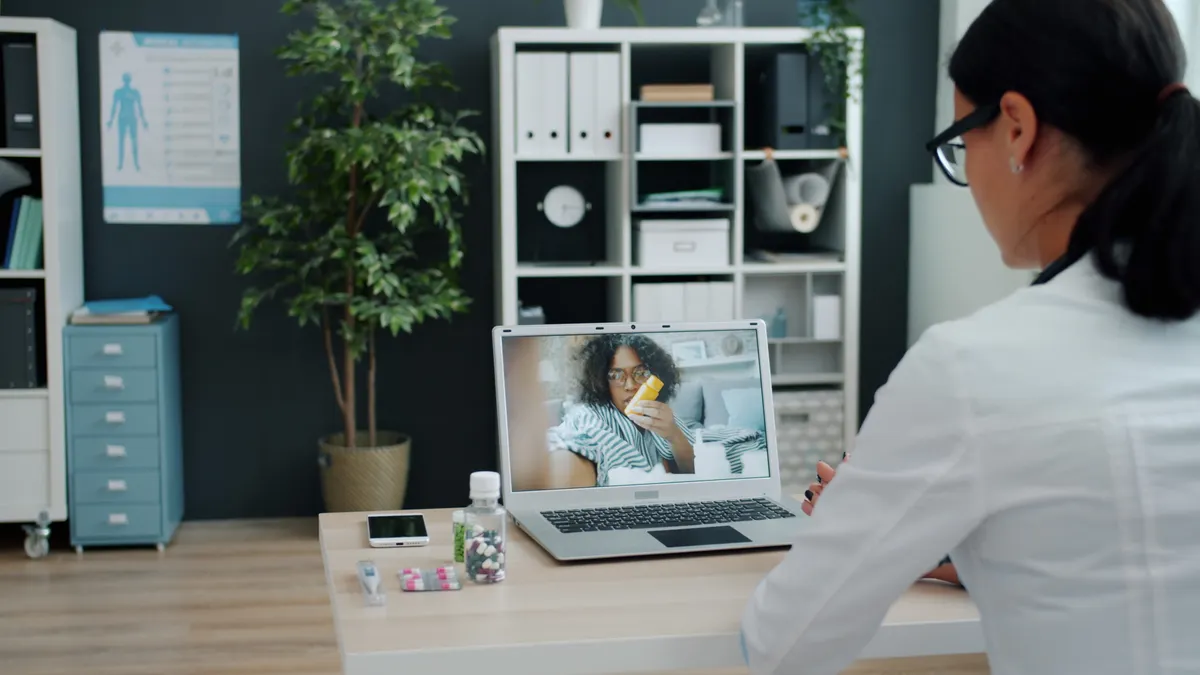
You should send the data that turns the visit from a chat into a care review. The most useful items are glucose logs, blood pressure readings, medication changes, and a short symptom note. Those four pieces help the care team see patterns without guessing.
Because those numbers make the remote visit more concrete, send the same information in the same format each time if you can. That makes it easier to compare one week with the next and see whether the plan is working.
Send or prepare:
- a list of glucose readings with dates and times
- whether each reading was fasting, pre-meal, or after a meal
- the name of your glucometer or app if readings came from multiple devices
- blood pressure values if you were asked to monitor them at home
- any symptoms since the last visit
- a note about missed checks or broken supplies
- questions about timing, food, travel, or work shifts
If you are using a blood pressure cuff, include the exact reading and arm used. A high reading at home may need a repeat after rest; a single number without context can mislead. If you have swelling, headache, vision changes, or right-upper-belly pain, remote messaging should not replace prompt in-person evaluation. Those symptoms can mean the visit needs to move out of telehealth.
The truth is, remote care runs on shared facts. If the team sees only “doing okay,” they have less to work with than if they see a week of readings and a plain note about what changed.
When does telehealth stop being enough?
Telehealth stops being enough when the visit needs an exam, urgent review, or a hands-on test that can’t be done through a screen. That line matters. It keeps remote follow-up useful without pretending it can do everything.
Because warning signs can change the plan quickly, a video visit should shift to in-person care when the situation calls for it. The conversation may still start on video, but the next step should move to direct assessment if needed.
Stop relying on telehealth alone in these situations:
- Severe headache, vision changes, chest pain, shortness of breath, or right-upper-belly pain: these need prompt medical evaluation — do not wait for the next portal reply.
- Blood pressure readings that your team has told you are concerning: the cuff reading needs confirmation and next-step planning, often in person.
- You cannot get reliable glucose data at home: without readings, the visit can’t guide follow-up well.
- Repeated vomiting, dehydration, or trouble keeping food down: this can make remote adjustment unsafe.
- Reduced fetal movement or a concern raised by your obstetric team: this usually needs direct assessment, not a message thread.
- You are confused about medicine use or have possible side effects: if the plan is unclear, consult your clinician or another qualified professional promptly, because an in-person or same-day review may be needed.
These are not reasons to “push through” the call. They are reasons to change the setting. Telehealth is a tool, not the whole toolbox.
What questions should I ask during a virtual visit?
You should ask questions that change the plan, not just fill time. A good telehealth visit ends with a clear answer to what to do next, when to send the next log, and which signs mean the plan has changed.
Because the goal is a usable plan, ask for thresholds and timing in plain language. That way, you leave knowing what to do if the numbers change.
Useful questions include:
- Which readings matter most for my follow-up?
- Should I send logs every day, every week, or before each visit?
- What should I do if I miss a check or forget to write down a meal?
- Which symptoms mean I should call instead of waiting for the next visit?
- Do I need a clinic visit for blood pressure, fetal checks, or lab work?
- What should I have ready for the next telehealth visit?
If the answer is vague, ask for the exact trigger. For example, ask what number or pattern should prompt a call. That is better than guessing. A virtual visit is strongest when you leave with a threshold, a timeline, and a way to reach the team if something changes.
Where telehealth fits in the care team
Telehealth works best as part of a care team, not as a solo plan. That team may include an obstetric clinician, diabetes educator, dietitian, nurse, or maternal-fetal medicine specialist, depending on your situation. Remote visits help those people share the same log, the same concerns, and the same next step.
Because the team may be watching different parts of the same pregnancy, the portal message needs to connect the pieces. That works best when the data are legible and sent to the right place. That is why this page supports the larger gestational diabetes care team hub.
Telehealth is especially useful for short follow-up touches, repeat review of logs, and questions about food timing, travel, work hours, or meter use. It is less useful when the plan depends on a physical exam or a test that must happen in clinic. The trade-off is simple: remote care is easier to fit into a day, but it depends on better preparation.
The records review behind this topic also shows how new the evidence base still is. Among the 100 most relevant PubMed records read, 30 were tagged Review, 11 Systematic Review, 9 Meta-Analysis, 4 Observational Study, and 4 Randomized Controlled Trial, all from PubMed (NCBI), computed on 2026-11-06. That mix tells you something plain: telehealth in gestational diabetes is a real care topic, but the literature is still spread across reviews and smaller primary studies.
Key takeaways
- Telehealth can handle a lot of routine gestational diabetes follow-up when you already have a diagnosis and a care team.
- The visit works best when you send glucose logs, symptoms, and any home blood pressure cuff readings ahead of time.
- Video visits are good for pattern review, questions, and next-step planning; they are not a substitute for urgent evaluation.
- If you have warning signs, unreliable readings, or symptoms that need an exam, the right move is to shift out of telehealth.
- Good remote care depends on clear data, a working patient portal, and a plan for when to call or go in.
FAQ
Can gestational diabetes be managed by telehealth?
Yes, parts of gestational diabetes follow-up can be managed by telehealth when your team has your readings and you are stable. Telehealth is best for log review, questions, and plan updates. It does not replace in-person care when symptoms, blood pressure concerns, or fetal concerns need direct assessment.
What happens in a virtual gestational diabetes visit?
A virtual gestational diabetes visit usually focuses on your glucose logs, food pattern, symptoms, medicines, and next steps. The clinician may ask for blood pressure readings from a home cuff and review whether your checks are fasting or after meals. The visit works best when your data are organized before the call.
What should I have ready for a telehealth follow-up?
Have your glucose logs, medication list, questions, and any home blood pressure readings ready. If possible, send the logs through the patient portal before the visit so the care team can review them first. A charged phone, a quiet room, and a visible camera can make the visit easier to use.
Drafted with AI; not yet reviewed by a person.